Short answer
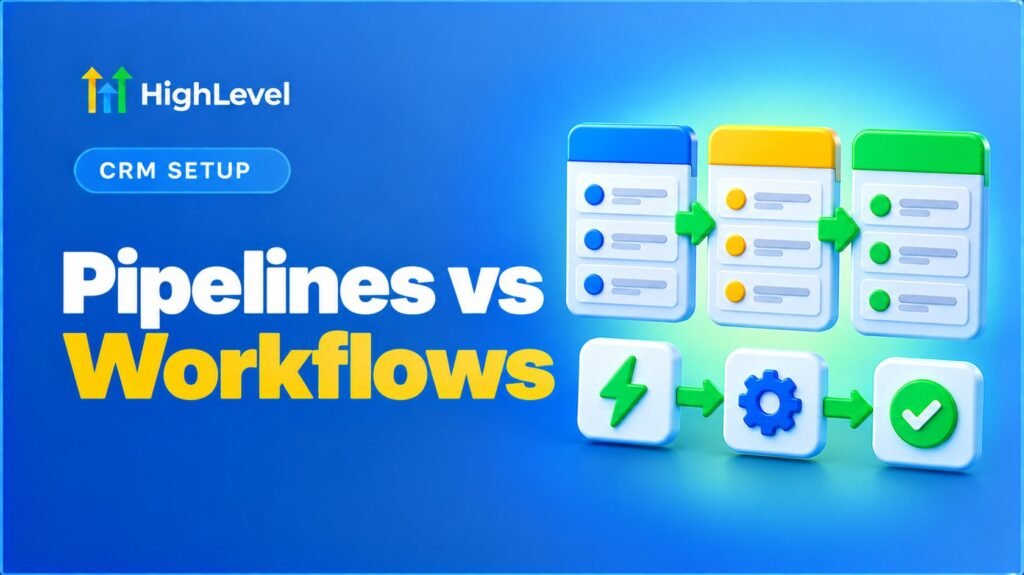
A pipeline shows the current state of a deal through named stages. A workflow runs actions automatically after a trigger, such as a form submission or a stage change. Use stages for milestones people need to see, and workflows for repeatable work like notifications, tasks and follow-up.
In this post
What is the difference between a pipeline and a workflow?
A pipeline answers one question: where does this opportunity stand right now? Each stage is a state. A workflow answers a different one: what should happen automatically when something occurs?
HighLevel describes triggers as the events that kick off workflows. They are grouped into 14 categories, including Contact, Events, Appointments and Opportunities. After the trigger, the workflow runs its actions in the order you set, with waits and conditions in between.
| Pipeline | Workflow | |
|---|---|---|
| Purpose | Show deal status | Automate actions |
| Built from | Stages | Trigger, conditions, actions, waits |
| Who reads it | Your team | The system |
| Example | Proposal Sent | Notify the owner when a deal reaches Proposal Sent |
What belongs in a pipeline stage?
A stage should be a milestone a person needs to see. “Call Booked”, “Proposal Sent” and “Won” qualify. “Email 2 Sent” does not. That is an action, and it belongs in the message history or the workflow, not on the board.
Keep a pipeline short enough that your team can scan it at a glance. Every extra stage adds a decision for whoever moves the card.
What belongs in a workflow?
Anything repeatable that should happen the same way every time:
- Notify the owner when a lead arrives
- Create a follow-up task
- Send a confirmation or reminder
- Update a field or tag
- Move a deal when a reliable event occurs
A workflow can also move an opportunity. The Create or Update Opportunity action has an Allow Opportunity to Move setting, which is the first thing to check when a stage will not change.
How do you decide where something goes?
Ask what the team needs:
- If people need to see the state of the deal, make it a stage.
- If it should happen automatically after an event, make it a workflow.
- If it is a value you will filter or report on, make it a custom field, see contact vs opportunity custom fields.
- If it is a one-off detail from a conversation, leave it in the conversation or a note.
“Intro Call Booked” is a stage, because it marks progress. Sending a reminder the day before is a workflow action. Moving a deal to “Call Held” should depend on a recorded appointment outcome, not on time passing.
How do you design the two together?
- Write the stages in plain language.
- For each stage, write what must be true to enter it and what moves a deal out.
- List the repeatable actions at each point.
- Match each action to one trigger.
- Decide who handles exceptions.
- Test stage changes and workflows separately.
- Keep one table with stage, owner, trigger and action.
Choose triggers that match the event you mean. A stage-change trigger fires when a deal moves, so a workflow that also moves deals can start a loop if you are careless. Draw the arrows on paper first.
What mistakes should you avoid?
- Too many stages. One stage per message sent makes the board unreadable.
- Stage moves with no entry rule. The board looks healthy while the deal has not progressed.
- Overlapping workflows. Two workflows that listen to the same stage change can send two notifications or overwrite the same field.
- Automating a judgement call. A human should review the unusual request or the deal outside the standard process.
When a workflow does not fire as designed, work through why a GoHighLevel workflow is not triggering. Before you switch a new one on, follow how to test a workflow before it goes live.
Frequently asked questions
Does every pipeline stage need a workflow?
No. A stage can simply show progress. Automate only the repeatable, useful actions tied to a reliable event.
Can a workflow change a pipeline stage?
Yes. Use the opportunity action and check its Allow Opportunity to Move setting.
Can a pipeline run without any workflows?
Yes. Many teams start with a clean pipeline and add automation only where manual work repeats.
Where should I start in a new account?
With the pipeline. Name the stages first, then automate. What to set up first in GoHighLevel covers the order.
If you want your pipeline and automation designed together, see the services page or book a free 30-minute call.
Sources: HighLevel Help: Workflow triggers. Checked against the Help Center on 29 October 2026.
Want this set up for you?
30 minutes, a clear next step.
Anis Mahmud Anik
HighLevel Certified Admin. I set up and automate GoHighLevel for founders and owners.